


Give the idea a starting point.
A conversation, a repository or a template. Bring the context that matters and start building.
Build with Idam or your own tools. Bring the frontend, backend and data together, then take your app from first idea to live release.
Your code. Your tools. Your next release.
One place to keep the work moving.
Real BlinkHost workspace. Editable source.
The next change starts right here.
From the first brief to the next update
Source, AI, hosting and data stay connected. Spend your time making the app work for your client, with less setup between each step.
A conversation, a repository or a template. Bring the context that matters and start building.
Work with the source and a connected preview. Test the details and make the next revision.
Publish to your domain. Handle updates in the same project, or hand it over to your client.
Your tools, connected
In the browser, in your terminal or with your AI assistant. Keep the workflow you know, with your project connected.
Work on frontend and backend source alongside the application preview. Use Idam for changes and publish releases from the same workspace.
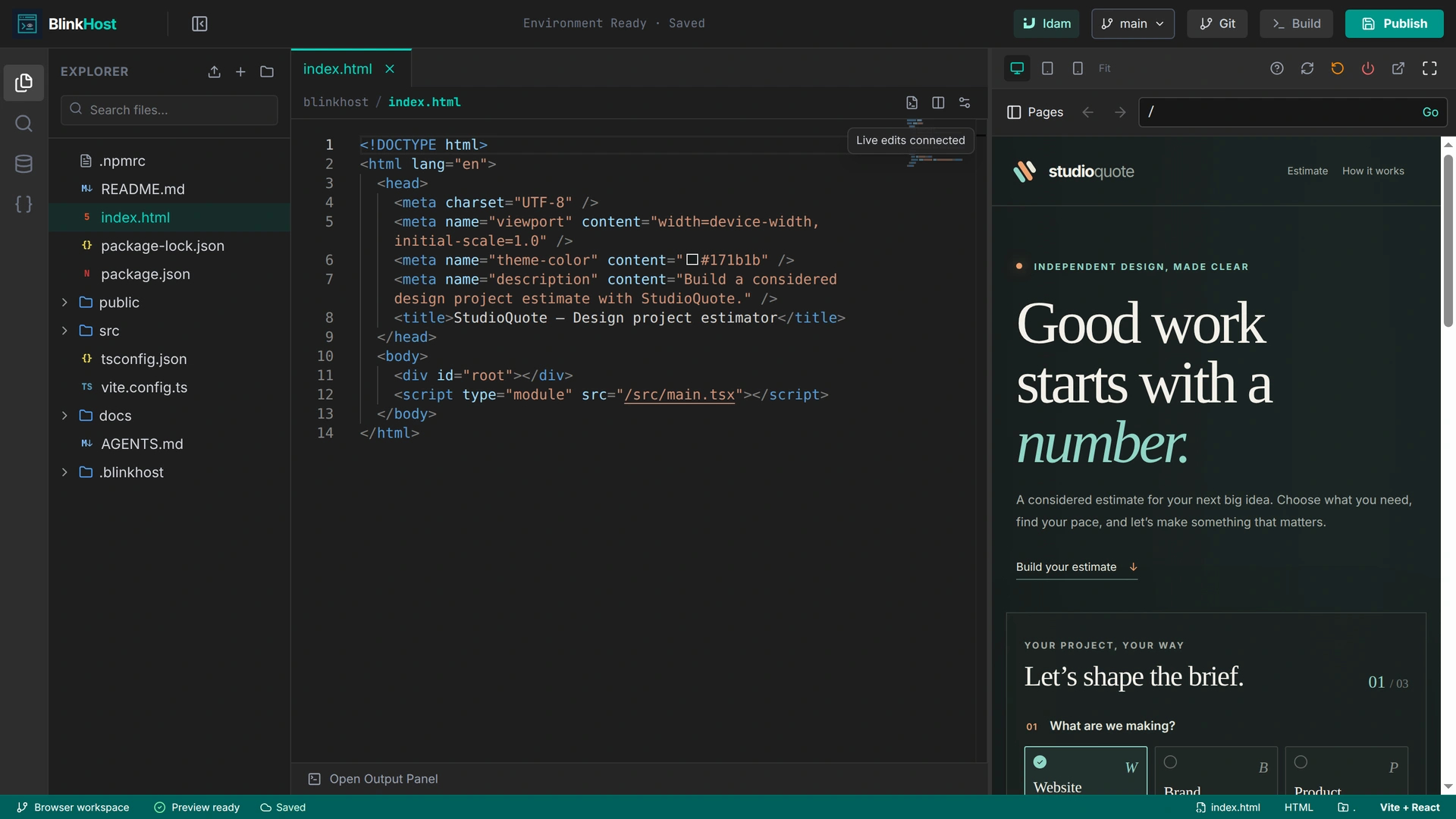
Keep your local editor and source files. Use the BlinkHost CLI to connect the project, build changes and manage delivery from your terminal.
Connect your AI assistant through BlinkHost MCP so it can work with your project’s source, builds, previews and deployments.
Your tools, working together
Keep working in the editor you know.
Sign in and give it access to your project.
Source, builds, previews and deployments.
Follow the work in your workspace.
Start a conversation with your project in view. Idam helps you plan, build and refine the application as the client’s needs take shape.
Meet Idam
Tell Idam what you want to build or change. Follow the work, review the source and try the result before you publish.
Try a build with IdamDocuments, images, project files and voice notes. Bring the useful details into the conversation.
Connect external tools through MCP so Idam can use the business context and actions you choose to share.
Explore Idam connectionsReturn to the conversation, work through the next change and review the result before publishing.
Preview → revise → release
Try the connected app, work through feedback and choose when to publish. The source, preview and release stay together.
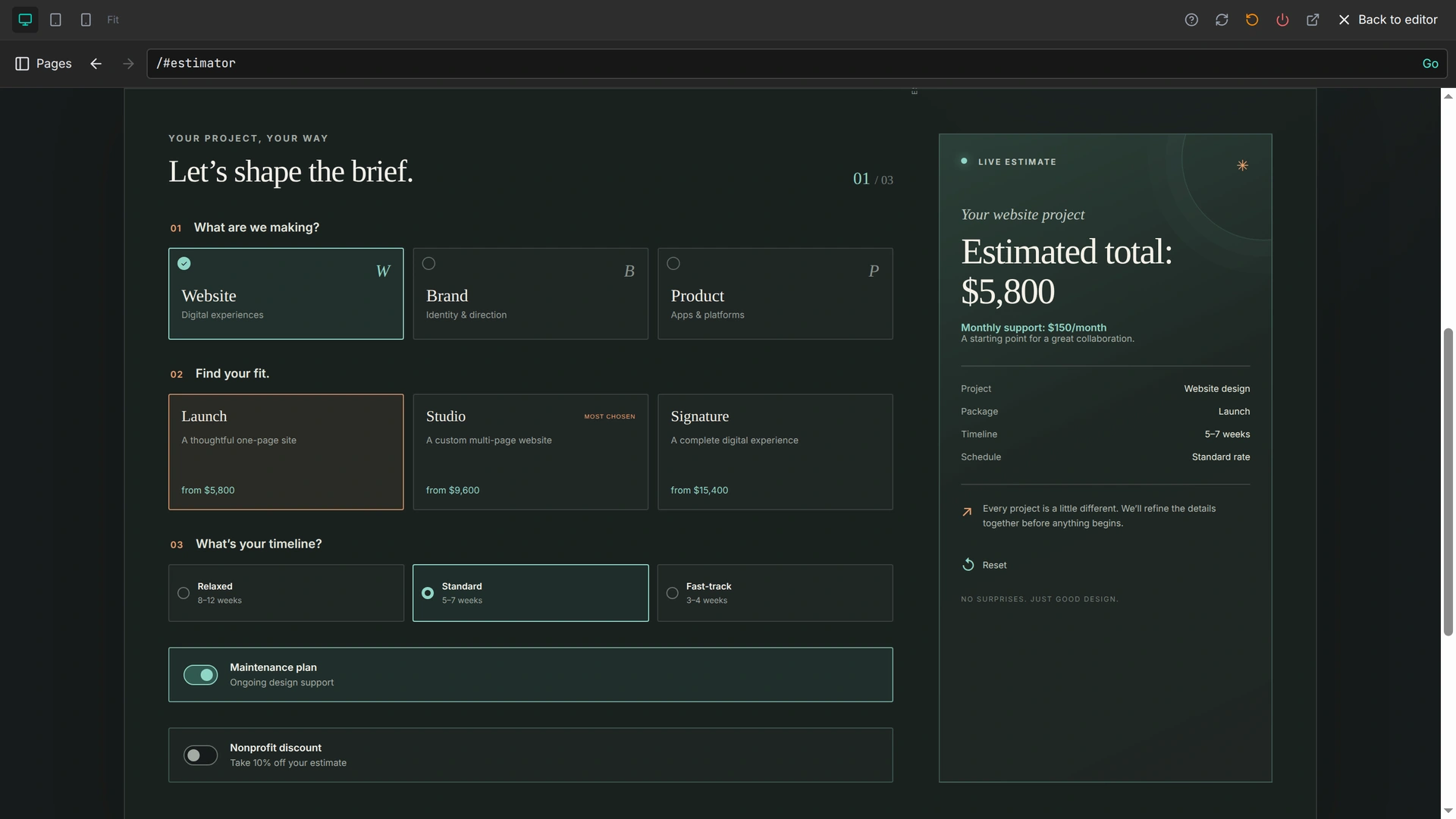
Your source. Your decisions. Your next release.
Built to keep running
Frontend hosting, backend functions and managed SQL. The services behind the interface, in the same project.
Global edge delivery, custom domains and managed HTTPS give every client app a professional home.
Build backend functions in Rust, Go, Python, JavaScript and TypeScript. Keep the interface, APIs and editable source in one project.
Backend functionsUse managed libSQL databases and the SQL console from your project. Keep application data, assets and encrypted secrets connected to the app.
Managed databasesFollow deployments, inspect application logs and track analytics from the project. Troubleshoot client issues with the release context close by.
Logs & analyticsBring your repositories, collaborate on source and reuse templates across client jobs. Keep each project connected to its preview and release workflow.
Source workflowsEncrypt traffic and keep certificates managed for your app’s domain.
Filter common web attacks before they reach your hosted application.
Run functions in WebAssembly sandboxes with controlled access to resources.
After launch
Keep source, data, deployments and logs together after launch. Handle the next client request from the existing project, prepare a client handoff or reuse a template for the next job.
Explore BlinkHost for agencies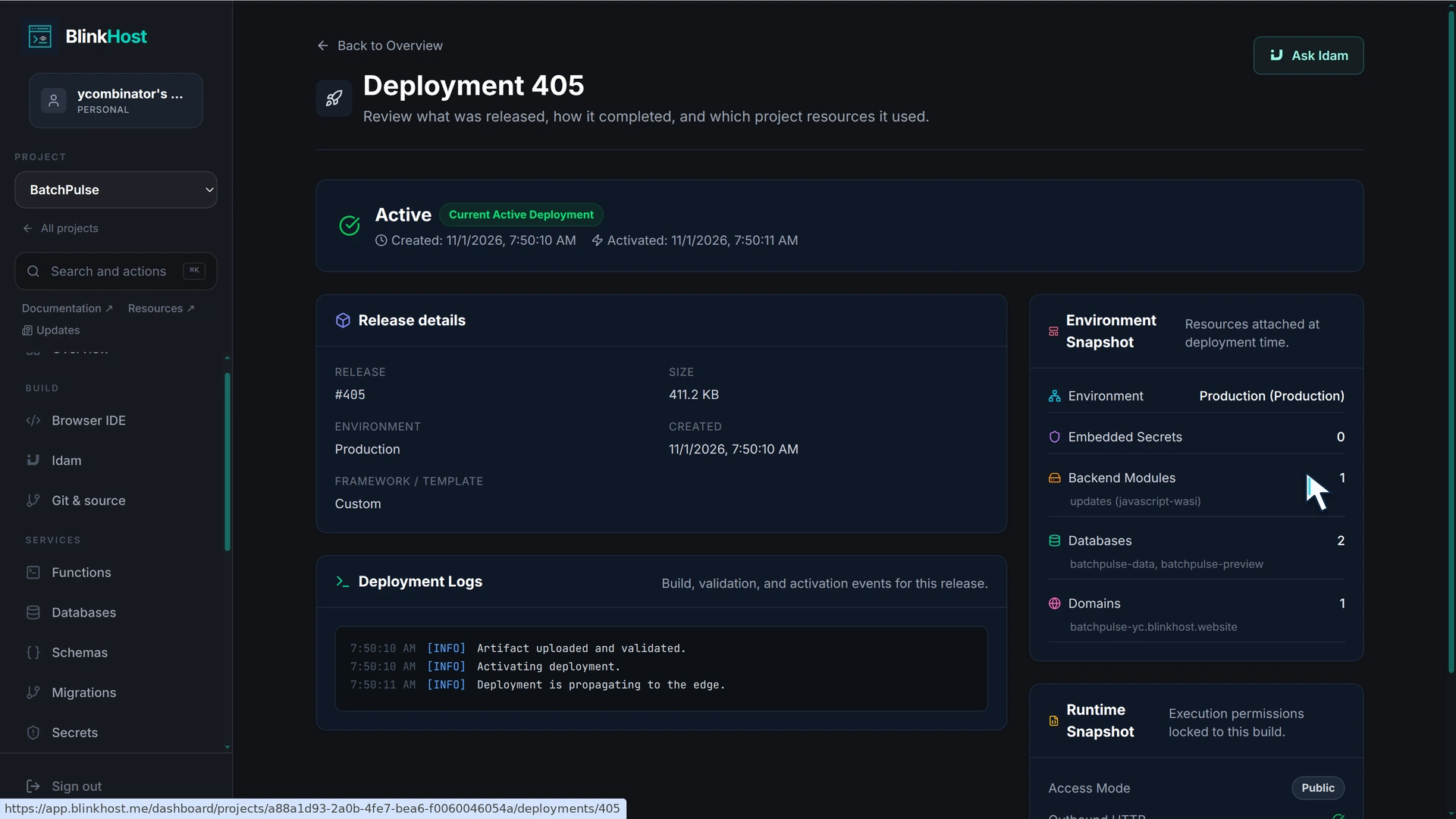
Room to grow
Start free. Add capacity as your projects and client work grow.
Build your first app and try the workflow.
Manage multiple client apps on one plan.
Shared workspaces for your team and clients.
Prices in USD. Applicable taxes are added at checkout. Compare included features and billing options
A few useful details
Have a project in mind?
We’d love to hear about it.
Yes. Connect an existing Git repository, bring your source into the browser workspace or start from a reusable template. You can also keep working locally with the BlinkHost CLI. Explore source workflows.
Yes. BlinkHost’s MCP connection lets compatible AI tools such as Claude Code, Cursor and Codex work with your BlinkHost projects and delivery tasks. Find your connection guide.
Bring the client’s brief, files and references into the conversation, then connect external tools through MCP when you want Idam to use their context and actions. You choose what to share as you build around the business. Explore Idam connections.
Yes. Your project source stays editable. Work with Idam or make the changes yourself, explore the application in preview and publish the release when you’re ready.
Yes. Keep the project in your workspace for ongoing care, or use the agency client-handoff workflow to prepare its move to a client workspace. See how client handoffs work.
The Free plan includes 10 project workspaces, up to 5 production projects, Idam, browser development and connected previews. See everything included.
Make the next idea real
Start with Idam, connect your AI editor, or bring the project you’re already building.
One platform for client projects and ongoing updates.
